Independent Android 16 lab · Official APKs only
Fix one thing in your productivity app today
Step-by-step tutorials and independent reviews of Android productivity apps, each one tested on an Android 16 emulator with the official APK and our own screenshots.
- 5tested apps
- 15task guides
- 0sponsored links
Featured test · AnkiDroid 2.25.3 (GitHub release, x86_64 build)
How to switch AnkiDroid to the FSRS scheduler without breaking your review queue
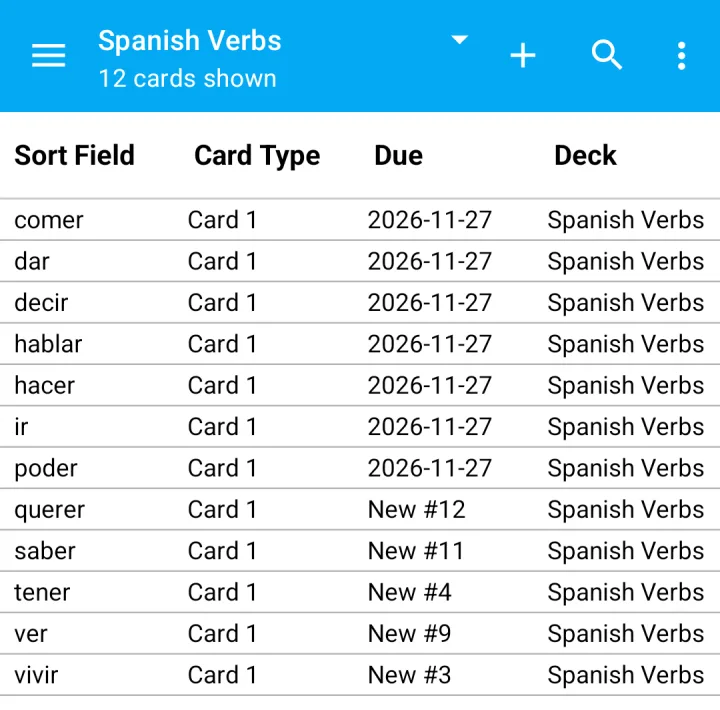
We turned on FSRS in AnkiDroid 2.25.3 with six reviews waiting, compared the due counts and the answer-button intervals before and after, and tested the Reschedule cards on change option with a backup ready.
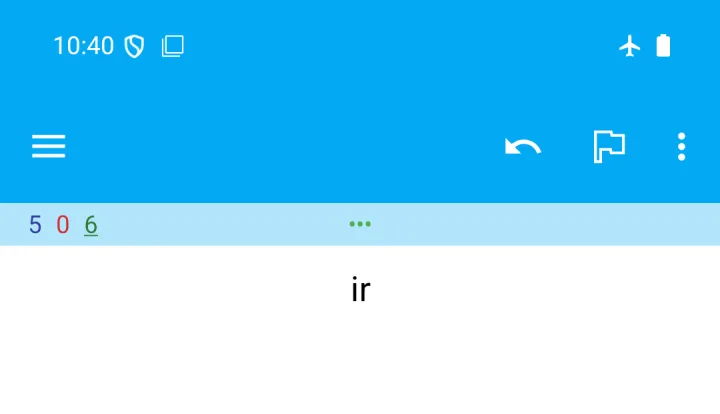
Observed: The deck list still showed 5 new, 1 learning and 6 reviews. Switching to FSRS did not add or remove a single due card.
Pick the app and problem you want to solve
Each panel links to hands-on tutorials, troubleshooting notes and the full independent review for that build.
- TutorialAttach images and PDFs in Joplin, open them offline and export every note as JEX
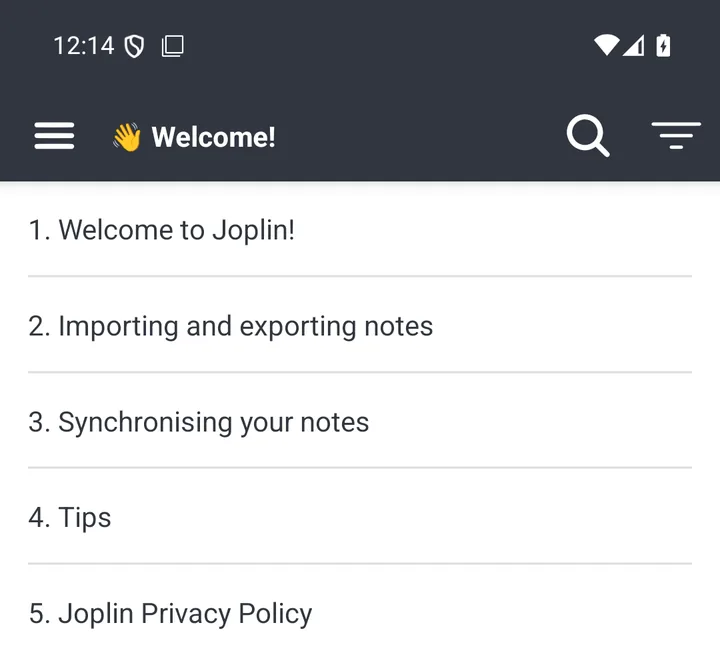
- TutorialHow to organize Joplin notebooks in Markdown and find any note with search
- Android tipJoplin on Android 16: set up a local backup folder and see where your notes live
- ComparisonJoplin vs. Standard Notes for offline notes on Android
Our test lab
How every guide is made
- Official build. We install the APK from the project's own release page and record its version and SHA-256.
- Real task. We run every workflow on a Pixel 7 emulator with Android 16 and capture every screen ourselves.
- What went wrong. Permissions, missing options and workarounds we hit go straight into the guide.
Five tested Android apps at a glance
Every app below was installed from its official release page on our Android 16 Pixel 7 emulator with no Google account. Open any review for full test verdicts, limits and official Google Play links.
| App | Version | Play installs | License | Offline test finding |
|---|---|---|---|---|
| AnkiDroid | 2.25.3 | 10M+ | GPL-3.0 | Works fully offline — With airplane mode on, we reopened the app, answered a card and created a backup without any error. Only the sync button needed the network and an account: it opened a Log in to AnkiWeb prompt. |
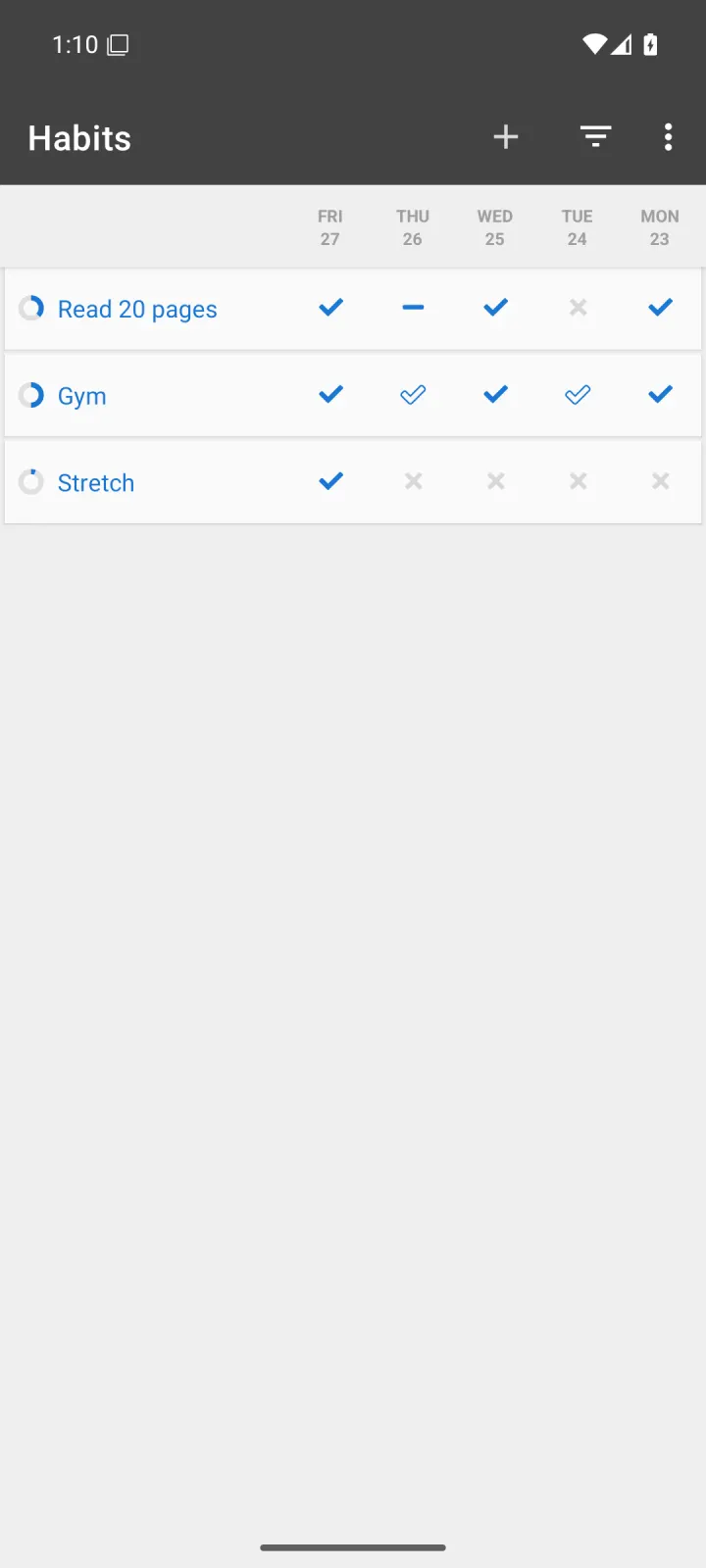
| Loop Habit Tracker | 2.3.2 | 5M+ | GPL-3.0 | Nothing needs the network — The manifest of the 2.3.2 APK lists five permissions: notifications, exact alarms (two), start at boot and vibration. There is no internet permission. Habits, scores, exports, imports and reminders all worked on an emulator with no account. |
| Joplin | 3.7.12 | 500K+ | AGPL-3.0-or-later | Works fully offline — With airplane mode on, we opened a note with an image and a PDF, opened the PDF, exported a JEX file and ran a full sync to a local folder. Nothing asked for the network. |
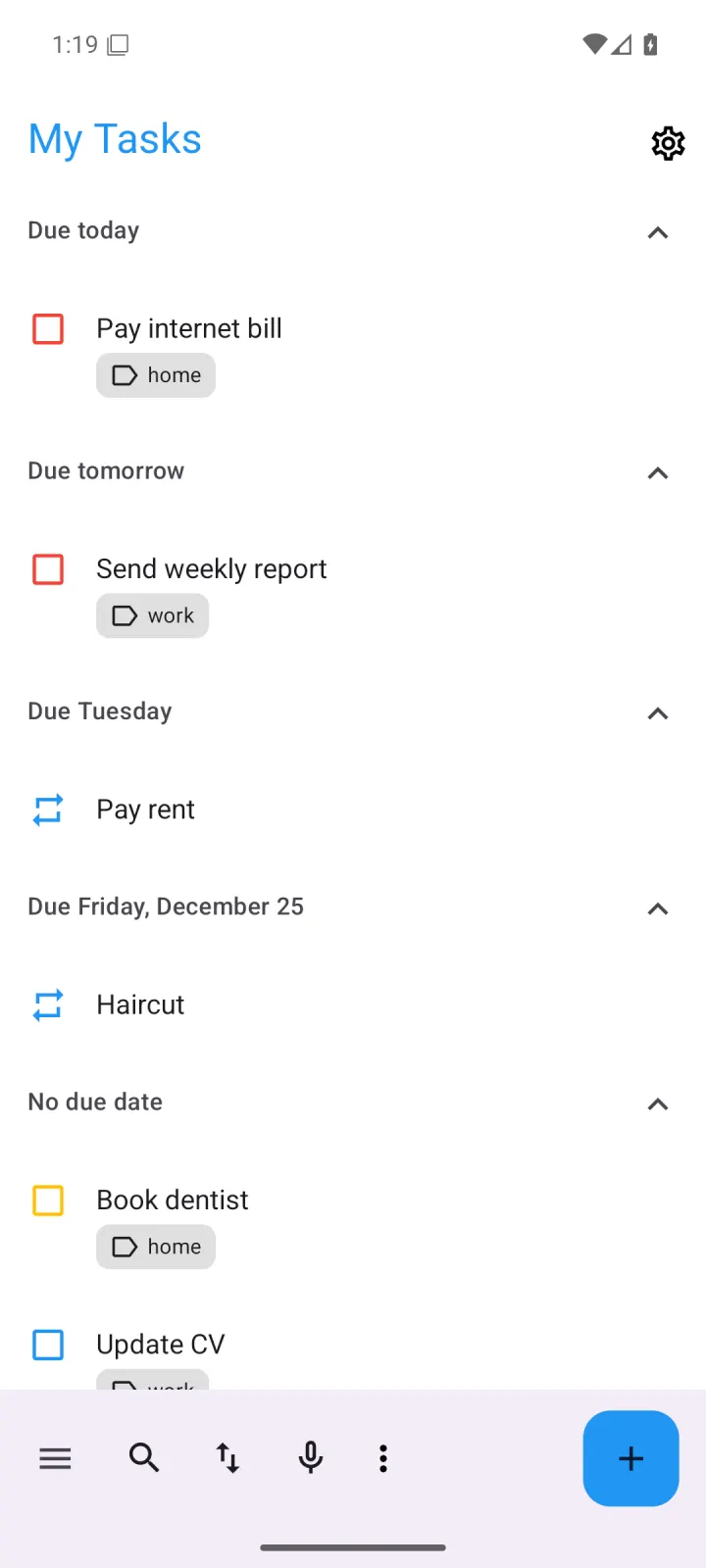
| Tasks.org | 15.14.1 | 500K+ | GPL-3.0 | Worked without sync — The first screen offers Continue without sync, and the app then keeps tasks in a local list. Filters, recurring tasks, backup and restore all worked with no account. We did not run the test in airplane mode. |
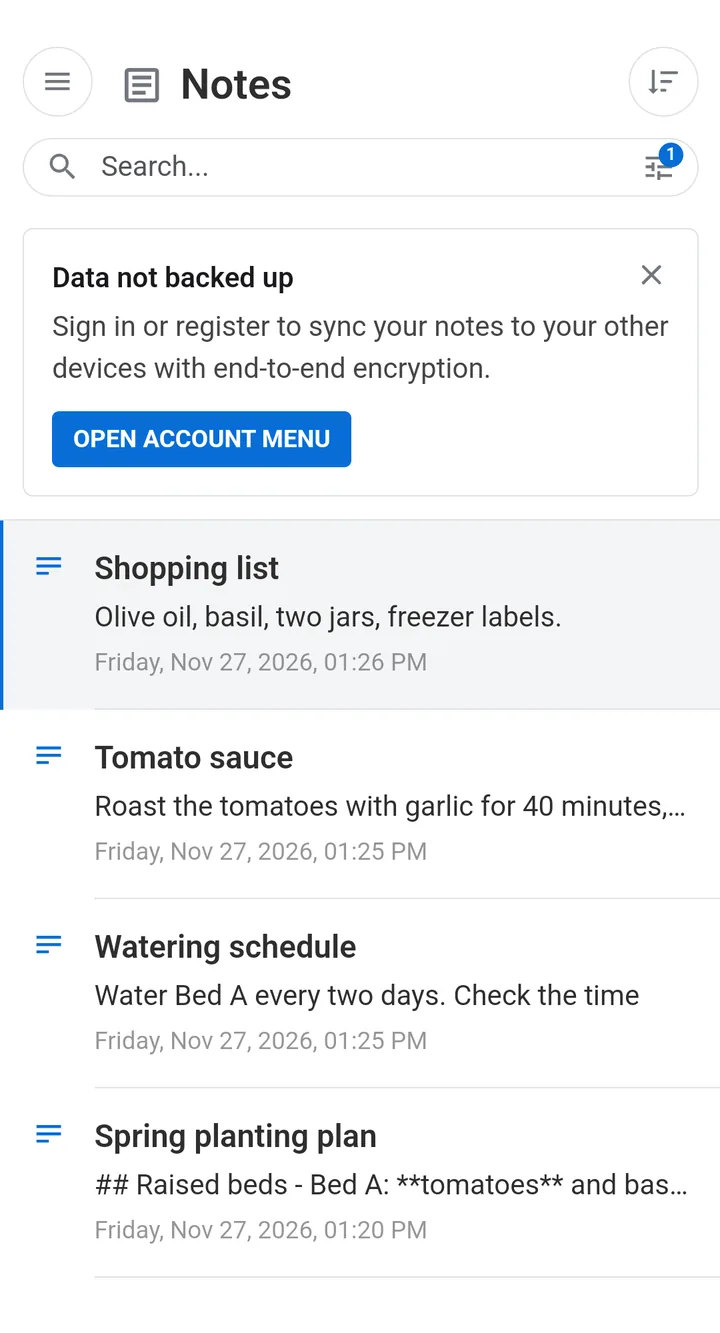
| Standard Notes | 3.203.3 | 500K+ | AGPL-3.0 | Works fully offline — With airplane mode on, the passcode screen, the notes, the encrypted backup and the decrypted backup all worked. The first screen already called the app Offline before any network test. |